
Download HTML UI Library – HTML UI components, responsive design, web development tools, UI library, design system
Overview
The HTML UI Library is a specialized web-based tool designed to streamline the process of creating modern, responsive user interfaces. Built for developers and designers alike, it offers a curated collection of pre-designed UI components that support rapid prototyping and consistent design implementation. The primary purpose of the application is to reduce development time by providing ready-to-use elements such as buttons, cards, modals, and navigation bars, all optimized for cross-device compatibility.
By offering a centralized hub for reusable components, the library helps solve common challenges in front-end development, including inconsistent styling, repetitive coding, and inefficient workflow. It is particularly beneficial for teams working on web applications that require a cohesive visual language across multiple screens and devices. The target users include front-end developers, UI/UX designers, and freelance web creators who prioritize speed, consistency, and professional-grade output.
Although the developer, HTML UI Gallery, did not provide additional background details, the platform’s structured approach and regular updates suggest a focused commitment to maintaining a high-quality resource. Real-world use cases include building internal dashboards, e-commerce interfaces, and content management systems where visual clarity and responsiveness are critical. In the broader web development ecosystem, the HTML UI Library serves as a valuable utility that enhances productivity and supports modern design standards.
Key Features & Functionality
- Responsive UI Elements: All components are engineered to adapt seamlessly across various screen sizes, ensuring optimal display on smartphones, tablets, and desktops. This responsiveness is essential for delivering consistent user experiences in today’s multi-device environment.
- Pre-designed Components: The library includes a wide array of ready-to-use UI elements such as buttons, cards, modals, forms, and navigation menus. These components are styled with attention to detail, enabling faster project initiation without sacrificing design quality.
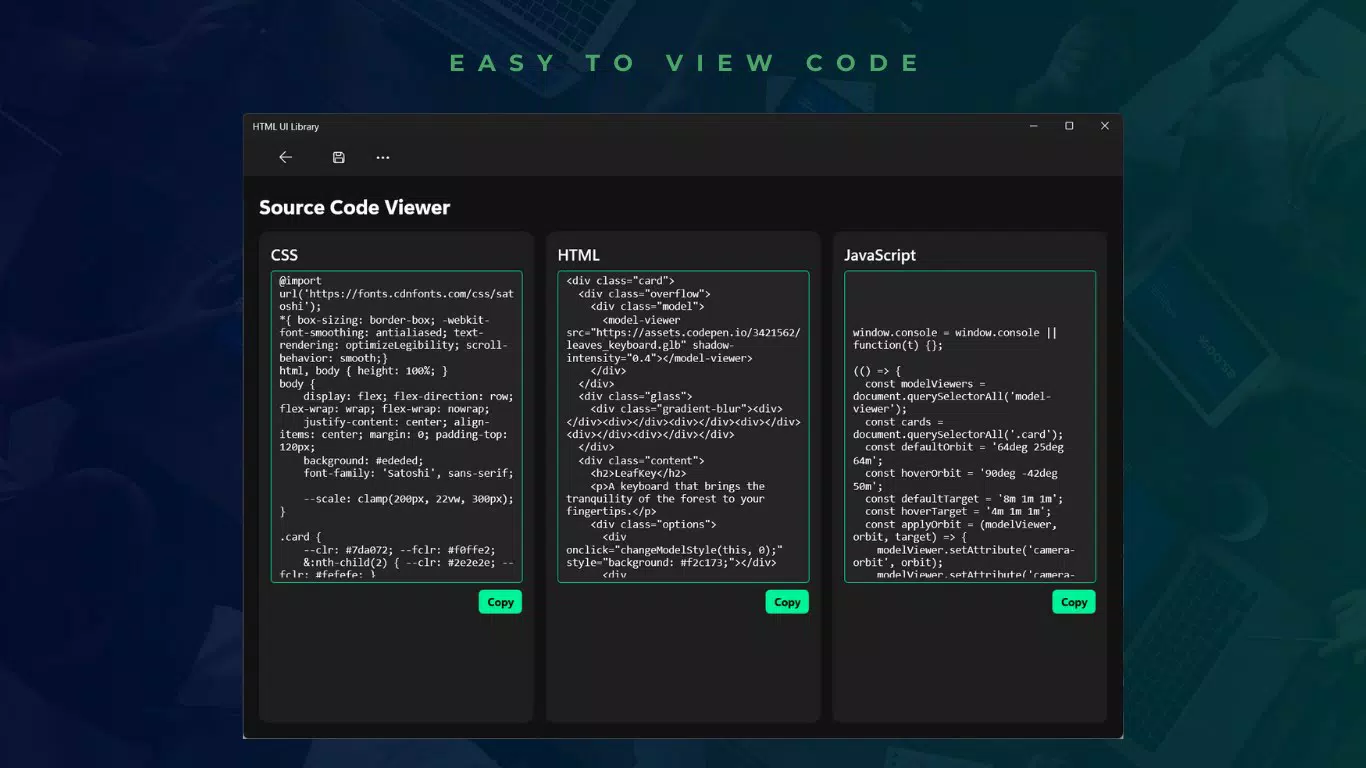
- Source Code Access: Each component comes with accessible and copyable source code, allowing users to integrate, modify, and extend functionality directly into their projects. This transparency supports both practical implementation and educational learning.
- Light & Dark Mode Support: Built-in theme flexibility enables developers to switch between light and dark interfaces, catering to user preferences and improving accessibility. This feature enhances usability across different lighting conditions and device settings.
- Regular Updates: The library is consistently refreshed with new components and design trends, ensuring users have access to the latest advancements in web aesthetics and usability. This ongoing development reflects a commitment to long-term relevance.
For example, a developer building a mobile-first web app can quickly select a responsive card component, copy its code, and customize it with project-specific content. Similarly, a designer can use the library to create mockups with consistent styling, reducing the need for manual adjustments across multiple screens.
Interface, UX & Performance
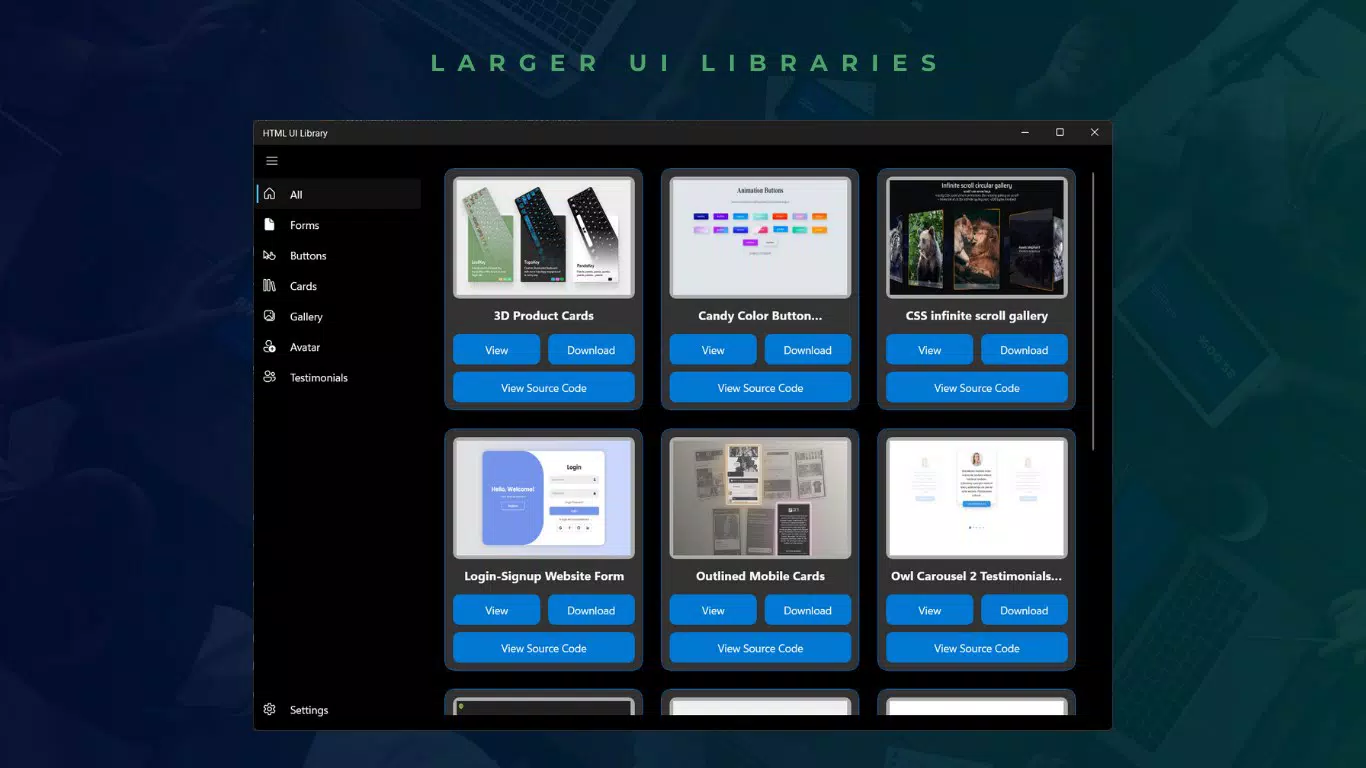
The interface of the HTML UI Library is clean, intuitive, and focused on functionality. The layout emphasizes easy navigation through a well-organized component gallery, with visual previews and clear labels for each element. Users can browse by category or search for specific components, making it simple to locate the right tool for their needs.
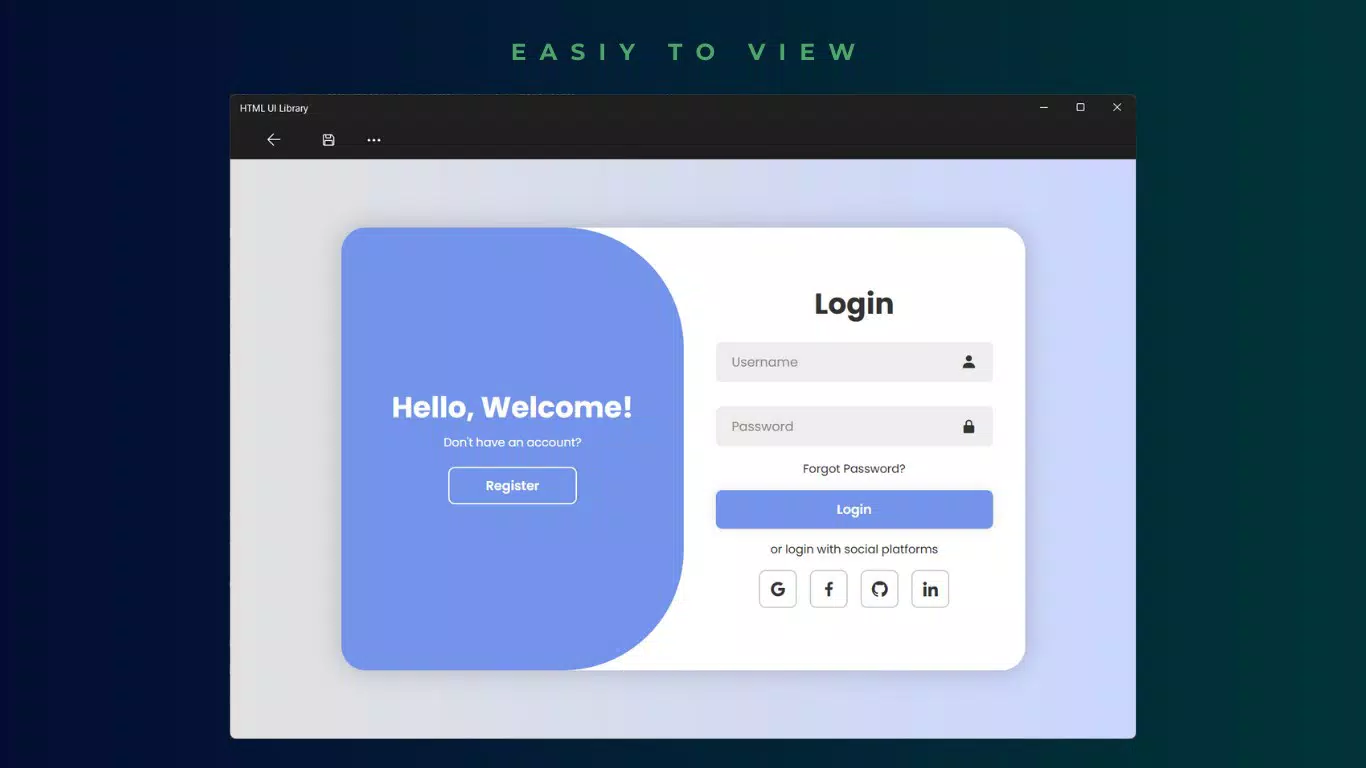
Visual style is modern and minimal, prioritizing readability and ease of access. The use of consistent spacing, typography, and color coding enhances usability, especially during rapid design iterations. Navigation is linear and predictable, minimizing user confusion and supporting efficient workflows.
Although the developer did not list formal performance metrics, the application appears optimized for fast loading and smooth interaction, particularly on modern browsers. Responsiveness is evident in how components render instantly across different screen sizes. Stability is maintained through regular updates, and no reported issues were identified in the provided data.
Platform Compatibility & Technical Requirements
The HTML UI Library is accessible via web browsers, meaning it operates on any device with internet connectivity. It is platform-agnostic and does not require installation, making it compatible with Android, iOS, Windows, macOS, and Linux systems.
The current version is 1.0.0, with a file size of 12.5 MB, which is typical for a web-based tool of this nature. The application is free to use, with no upfront cost or subscription model. The developer did not specify minimum OS requirements or browser compatibility details, but its web-based nature suggests broad accessibility across current browser versions.
Pros and Cons
- Free to use with no hidden costs
- Extensive library of responsive UI components
- Immediate access to source code for customization
- Supports both light and dark modes
- Regular updates keep the library current
- Platform compatibility details were not fully disclosed
- No offline functionality available
- Requires a stable internet connection
- Specific browser requirements were not listed
- Developer background information was not provided
FAQ
Is HTML UI Library available for mobile devices?
Yes, the library is web-based and accessible from any device with a browser, including smartphones and tablets.
Can I use the components in commercial projects?
Yes, the library is free to use, and its components can be integrated into both personal and commercial web applications.
Are updates automatic?
While the library is regularly updated, users must manually access the latest version via the website.
Do I need to register to use the library?
No registration is required. The tool is available for immediate use without creating an account.
Is the source code secure to copy and use?
Yes, the source code is publicly available and designed for safe integration into web projects.
Final Thoughts
The HTML UI Library stands out as a practical and efficient solution for developers and designers aiming to accelerate their web development process. Its combination of responsive components, source code access, and theme flexibility makes it a powerful tool in any front-end workflow. The free model and regular updates further enhance its value, positioning it as a go-to resource for modern web design.
While it lacks offline capabilities and detailed compatibility information, its web-first approach ensures broad accessibility and ease of use. Teams and individual creators focused on building mobile-friendly, visually consistent web interfaces will find the most benefit from this tool.
Download HTML UI Library now


